
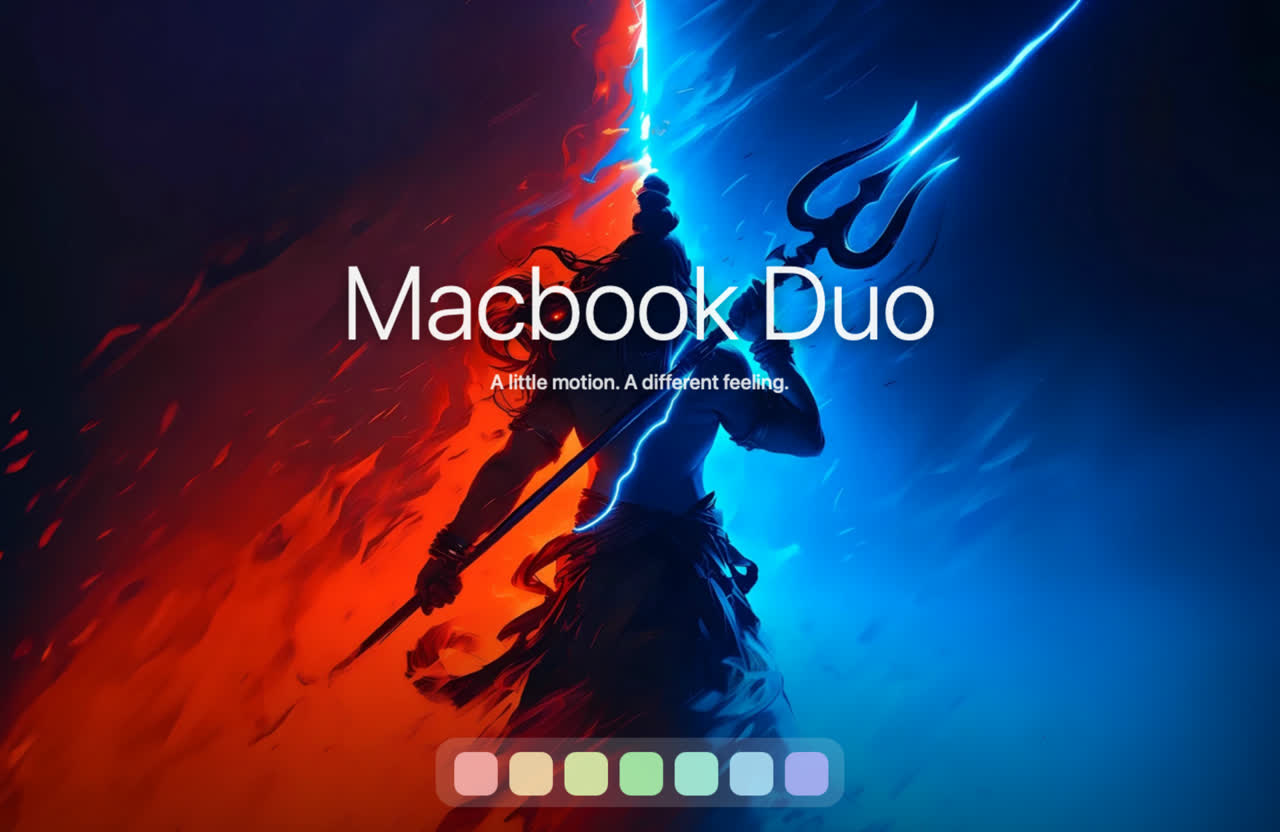
It follows your hand.
The effect tracks the lid angle in real time. Change your mind halfway and the desktop comes back with you. No commitment required.
OPEN SOURCE · MADE FOR macOS · VERSION 1.0.1
Apple just built a $1,999 phone that folds. Your MacBook has folded since day one; it simply never made a thing of it.
Foldbook makes a thing of it. Close the lid and your desktop folds, rolls, swirls or drains away. Open it, and everything snaps back into focus.
Free and open source · macOS 13 Ventura or newer · MacBook with a lid-angle sensor required (which ones?) · All releases and checksums
SCROLL TO CLOSE THE LID
LID 112°
Iris, one of twelve effects. These frames are the app's own Metal output on its bundled wallpaper; the real thing follows your hand.
THE OTHER DUO
In September 2026 Apple unveiled the iPhone Duo: a book-style foldable with a 7.6-inch inner display, a titanium hinge with more than a hundred parts, and a nano-texture layer so you can feel the crease but not see it. Close it and the inner screen fades while your apps hop to the outer display. Lovely.
We would like to point out that your MacBook has had a hinge, a lid and a fade-to-black this whole time, and that only one of these Duos does something interesting on the way down.
| Feature | iPhone Duo | Foldbook |
|---|---|---|
| Folds | Yes. Like a book, 7.6 inches wide open. | Yes. Like a laptop, up to 16 inches wide open. |
| When you close it | The inner screen fades and your apps hop to the outer display. | Your desktop folds, rolls, swirls, shutters, drapes or drains into a black hole. Twelve options. A plain fade is not one of them; we have standards. |
| The hinge | Grade 5 titanium, more than 100 components, a 3D-printed cover. | Whatever Apple already screwed into your MacBook. We just ask it for the angle, sixty times a second. |
| The crease | Nano-texture, so you can feel it but not see it. | Drawn on purpose, in Metal. See: Fold. |
| Angles it understands | Open, closed, and a few poses in between. | Every degree from wide open to shut, in real time, in both directions. Change your mind halfway and it follows you back. |
| Price | From $1,999. | $0. MIT licensed. Tips accepted in GitHub stars. |
| Availability | Pre-orders October 16. Ships October 23. | Now. Download, drag, open. |
| Cameras | Two 48-megapixel cameras, plus one hiding under the screen. | None. Your desktop is captured into memory for the effect and never leaves the Mac. We do not even keep the frames. |
| Works on the iPhone Duo | Yes, obviously. | No. MacBook only. We tried to be clear about this. |
iPhone Duo details are from Apple's September 2026 announcement. iPhone Duo is Apple's product; Foldbook is independent software, neither affiliated with nor endorsed by Apple. We just really like hinges.
SMALL APP. TANGIBLE MOVEMENT.
The effect tracks the lid angle in real time. Change your mind halfway and the desktop comes back with you. No commitment required.
Park the lid at any comfortable angle. After 1–5 seconds of your choosing the desktop clears, so you can keep working at 70° like a person with a plan.
Settled previews stop rendering, blur work is cached, and the refresh rate bows to power and temperature. Your fans stay off. Your battery is unbothered.
Frames stay in memory on your Mac. No uploads, recordings, accounts or analytics. We could not tell you what is on your desktop if you asked.
TWELVE WAYS TO CLOSE
Duo is the default. The iPhone Duo has one closing animation. We have twelve, and none of them is a fade. Fine: Ghost is a fade. A tasteful one.
The desktop swells around the hinge as the lid closes.
The desktop holds its resting plane as the lid tilts and gently falls out of focus. The fade, done properly.
The desktop curls into a roll that travels down to the hinge.
Rigid panels telescope behind each other into the hinge.
One bowing flexible display collapses toward the hinge.
Eight overlapping blades close an aperture above the hinge.
The display creases across the middle and the top half folds down over the bottom. The crease Apple spent years hiding, back by popular demand.
Pleats zig-zag and gather toward the hinge like a paper fan.
Horizontal slats tilt and overlap like closing window blinds.
The whole desktop tips back as one rigid card in perspective.
Drapes draw together from both sides and settle at the hinge.
The desktop swirls into a black hole opening at the hinge. Nothing escapes, including your unsaved tabs. (They are fine. It is a shader.)
COMPATIBILITY · MACBOOK ONLY
Foldbook reads the continuous lid-angle sensor Apple builds into recent MacBooks. No sensor, no angle; no angle, no show. The app checks at launch and tells you straight away, and Replay still shows every effect on the built-in preview so you can window-shop.
MacBook Air with M2 or newer. 14-inch and 16-inch MacBook Pro with M1 Pro, M1 Max or newer. macOS 13 Ventura or later.
2019 16-inch MacBook Pro. A native Intel build ships with every release; physical verification on Intel is still pending, so reports are welcome.
M1 MacBook Air, 13-inch MacBook Pro with M1 or M2, and Intel models that only report open or closed. They know the lid moved; they refuse to say how far.
iMac (no lid). Mac mini (no lid). Mac Studio (no lid, many ports). iPad (a cover is not a lid). iPhone Duo (has a hinge, wrong hinge). Your fridge (has a hinge, no macOS).
External displays are not animated. The desktop on your MacBook's own screen is the star; everything else is the audience.
A MINUTE TO GET STARTED
No pre-order. No launch day queue. No 5:00 a.m. Pacific.
Open Foldbook.dmg for Apple silicon or the Intel preview, then drag Foldbook into Applications.
Try opening Foldbook. This release is not notarized, so macOS may show "cannot be opened" or "Apple could not verify". Go to System Settings → Privacy & Security → Security → Open Anyway for Foldbook, then confirm Open. Apple's guide ↗
Press Replay to see the effect without any permission. Then click Enable Foldbook and allow Screen Recording when prompted. Reopen if macOS asks. Frames stay in memory on your Mac.
Foldbook speaks English, Simplified Chinese, Traditional Chinese and Japanese. Opt in to Open at login (launches start paused) and hide the menu-bar icon if you like. Use Check for Updates… → Install & Relaunch for architecture-aware updates from the official GitHub release; checks run only when you ask, and no desktop frames leave your Mac. If macOS blocks an update, use Privacy & Security → Open Anyway, then retry in the recovery dialog or restore the previous app. Prefer the Mac App Store? The same app is arriving there as well. Prefer a ZIP? All downloads and checksums ↗
BUILT IN THE OPEN
Swift. Metal. No third-party runtime dependencies.
Read the source, build the app, or add the thirteenth effect. We ran out of ideas after Blackhole; prove us wrong.